There’s nothing more irritating, when surfing the web, than a website which takes ages to load. Slow load times are an instant turnoff to visitors and can impact negatively on your site’s traffic and even affect your Google ranking (although not as heavily as some people might have you believe). Optimizing your website’s images will make your site load more quickly, reduce your bandwidth consumption and save you money in the long-run.
If you want to compress the size of your image files without affecting image quality, you’re going to need a decent image optimizing tool. Photoshop lets you choose the quality of your images and offers a “Save for Web” function, but that’s not enough. The great tools explored below let you squeeze vital extra kB out of your images, keeping you and your website visitors happy.
.
1. smush.it

Smush.it, available to download for free as part of Yslow!, a package of fantastic website performance enhancing apps from Yahoo!, is a lossless tool, meaning that it reduces the size of your images without impacting on image quality. Once run on your website, smush.it reports how many bytes it could save you, providing a zip file with minimized images inside. GIFs are automatically converted to lightweight PNGs.
.
2. PunyPNG

PunyPNG reduces the size of your images by 40% with no loss in quality. It works with PNGs, JPGs, GIFs and animated GIFs up to a maximum size of 350kB.
.
3. SuperGIF
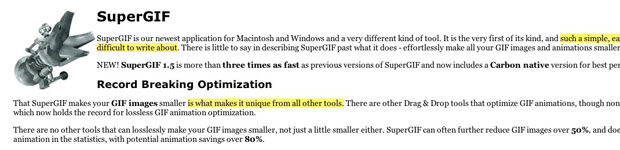
SuperGIF, for Mac and Windows, reduces the size of your GIF images and videos. It’s available to download for $29.95. While there are plenty of free tools that perform the same function, none shrink GIF animations as quickly as SuperGIF. When it comes to images, SuperGIF is excellent too, reducing size by over 50% (over 80% for animations).
.
4. SuperPNG

SuperPNG, for Mac and Windows, is a Photoshop plugin which shrinks PNGs more effectively than any Adobe tool. SuperPNG is really quick, reducing files down to a fraction of their original size in a matter of seconds.
.
5. Page Speed
Google Page Speed is a Firefox plugin designed to increase the speed of your website. Like Yslow! on steroids, it optimizes your images as well as identifying any speed problems caused by JavaScript or CSS issues. It also performs Gzip compression and minimizes cookie size.
.
6. Image Optimization Tool
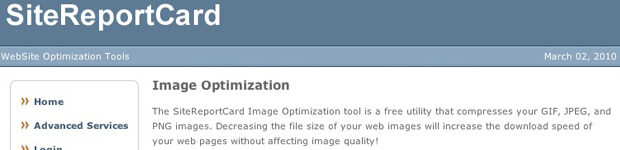
SiteReportCard’s Image Optimization Tool is s handy, free, browser-based app for compressing GIFs, JPEGs and PNGs. Just enter an image URL or upload a file from your computer and the Tool compresses it, displaying images at various sizes and qualities for you to choose from.
.
7. RIOT
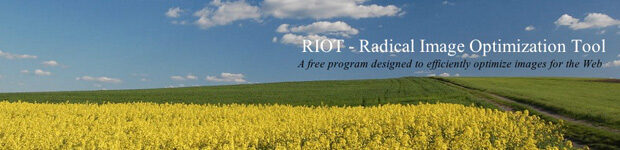
RIOT (Radical Image Optimization Tool) is available as a standalone download or as an InfranView or GIMP plugin. You can use it to optimize JPEGs, GIFs and PNGs. Its layout is really user-friendly: original images are positioned alongside optimized images for quality checking purposes.
.
8. JPG & PNG Stripper
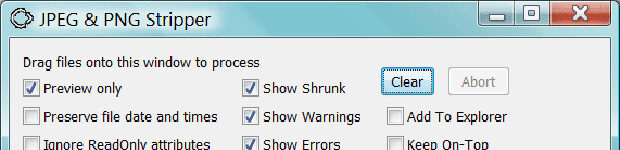
Sadly not as sexy as it sounds, JPG & PNG Stripper reduces file size by removing all unnecessary metadata from JPEGs and PNGs. It’s available for Windows only.
.
9. Shrink O’Matic

If you’re currently using Adobe AIR, then Shrink O’Matic is the tool for you. It’s an AIR application which lets you batch shrink and resize your JPGs, GIFs and PNGs. Its handy drag and drop interface lets you choose output sizes, names and formats without difficulty.
.
10. PngCrush
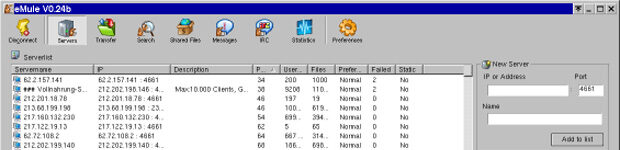
PngCrush is not the easiest optimization tool to get to grips with, but is ideal for Linux users. It can be run from an MSDOS, UNIX or Linux commandline. It works by shrinking the size of a PNG IDAT datastream using various compression levels and PNG filter methods.
.
11. Online Image Optimizer

Online Image Optimizer, a browser-based tool from Dynamic Drive, works with GIFs, animated GIFs, JPEGs and PNGs. It’s extremely straightforward. Simply provide an image URL or upload an image, choose whether you’d like your image to be converted to another format or to remain the same, and click “Optimize”.
.
12. PNGOUT
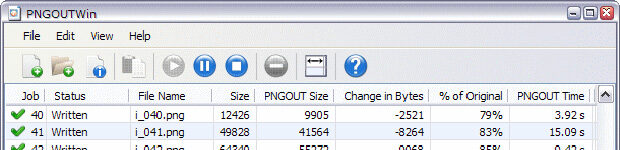
PNGOUT was developed by Ken Silverman in early 2002. It’s an optimizer for PNG images only, available as a piece of freeware command-line software or as a plugin for InfranView. Using the DEFLATE algorithm, it offers 5-10% better compression than its competitors and its results are lossless.
.
13. PNGOUTWin
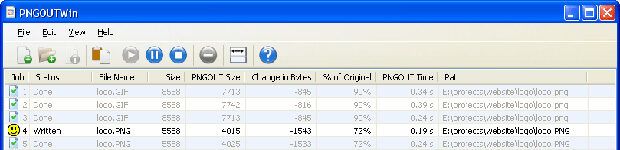
PNGOUT is a great piece of freeware, but can be rather confusing for anyone that’s not an expert. Novices should try PNGOUTWin instead, which is the commercial, graphical version, available for $14.95 (personal) or $29.95 (corporate). Use PNGOUTWin to compress TIFF, GIF and BMP to PNG, or simply optimize your existing PNGs.
.
14. PNGGauntlet
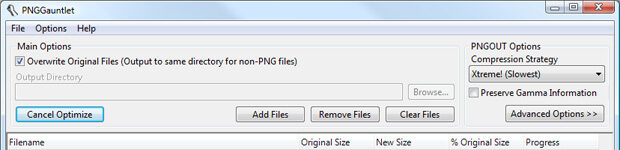
PNGGauntlet is another optimization tool based on Ken Silverman’s highly influential PNGOUT. Like PNGOUTWin it’s really easy to use, letting you drag and drop files for compression. Unlike PNGOUTWin, however, PNGGauntlet is completely free. Besides shrinking, this tool can be used for converting JPG, GIF, TGA, PCX, and BMP files to PNG.
.
15. OptiPNG
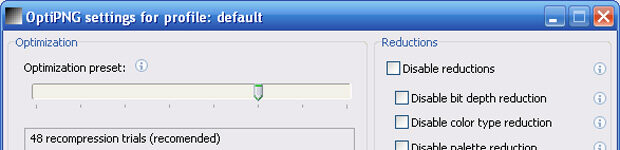
A great little tool, OptiPNG reduces the size of your PNG image files while maintaining lossless image quality, carrying out PNG integrity checks and corrections simultaneously. OptiPNG can also be used for converting files of all formats to PNG.
.
16. ImageOptim
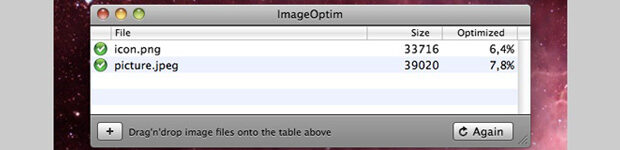
ImageOptim is free, open-source software, available for Mac only. It acts as a graphical user interface (GUI) for several great optimization tools, such as OptiPNG, PngCrush and even PNGOUT.